Playback Settings
-
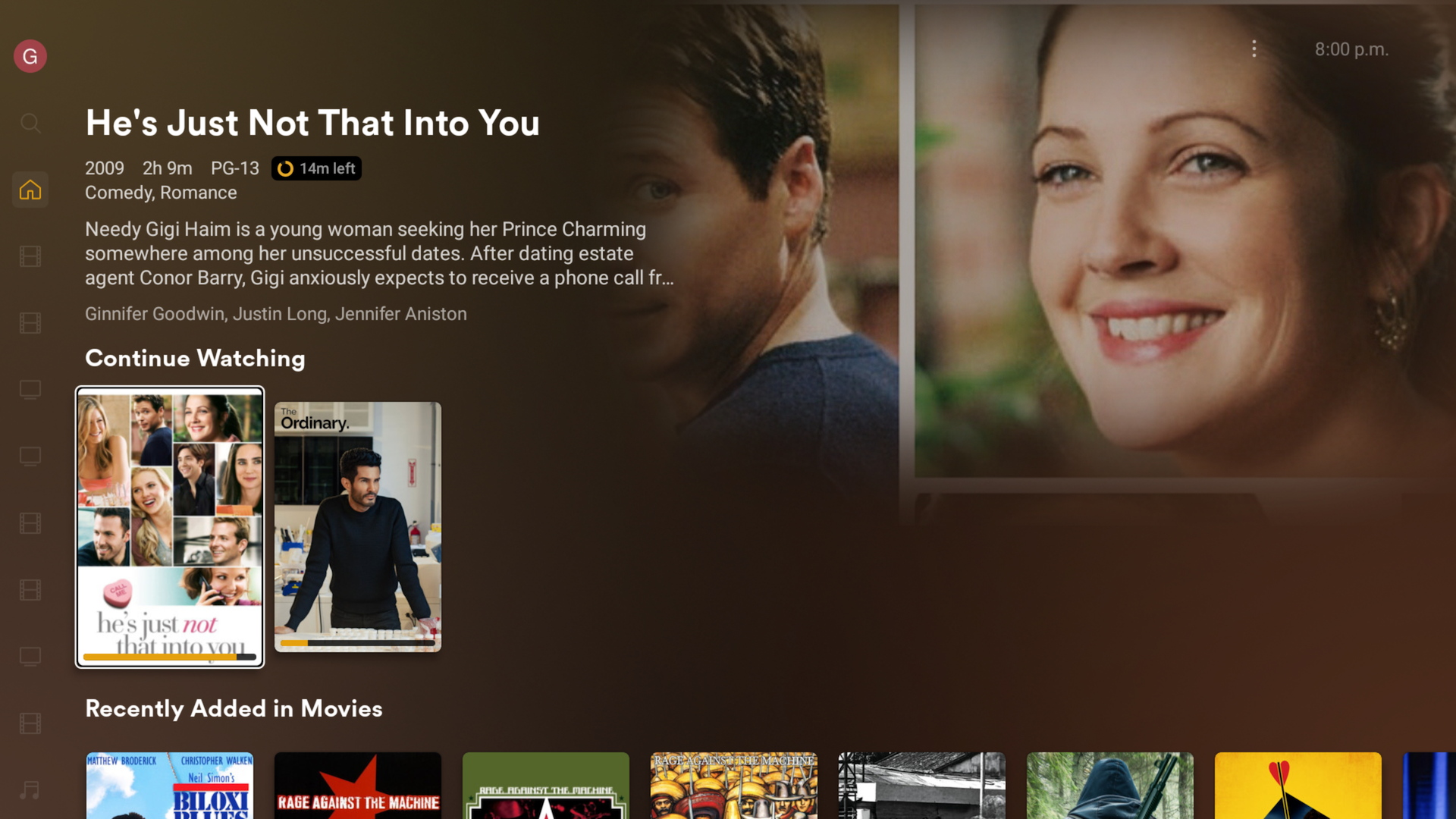
Open the Plex app, ensure that you are signed in.
-
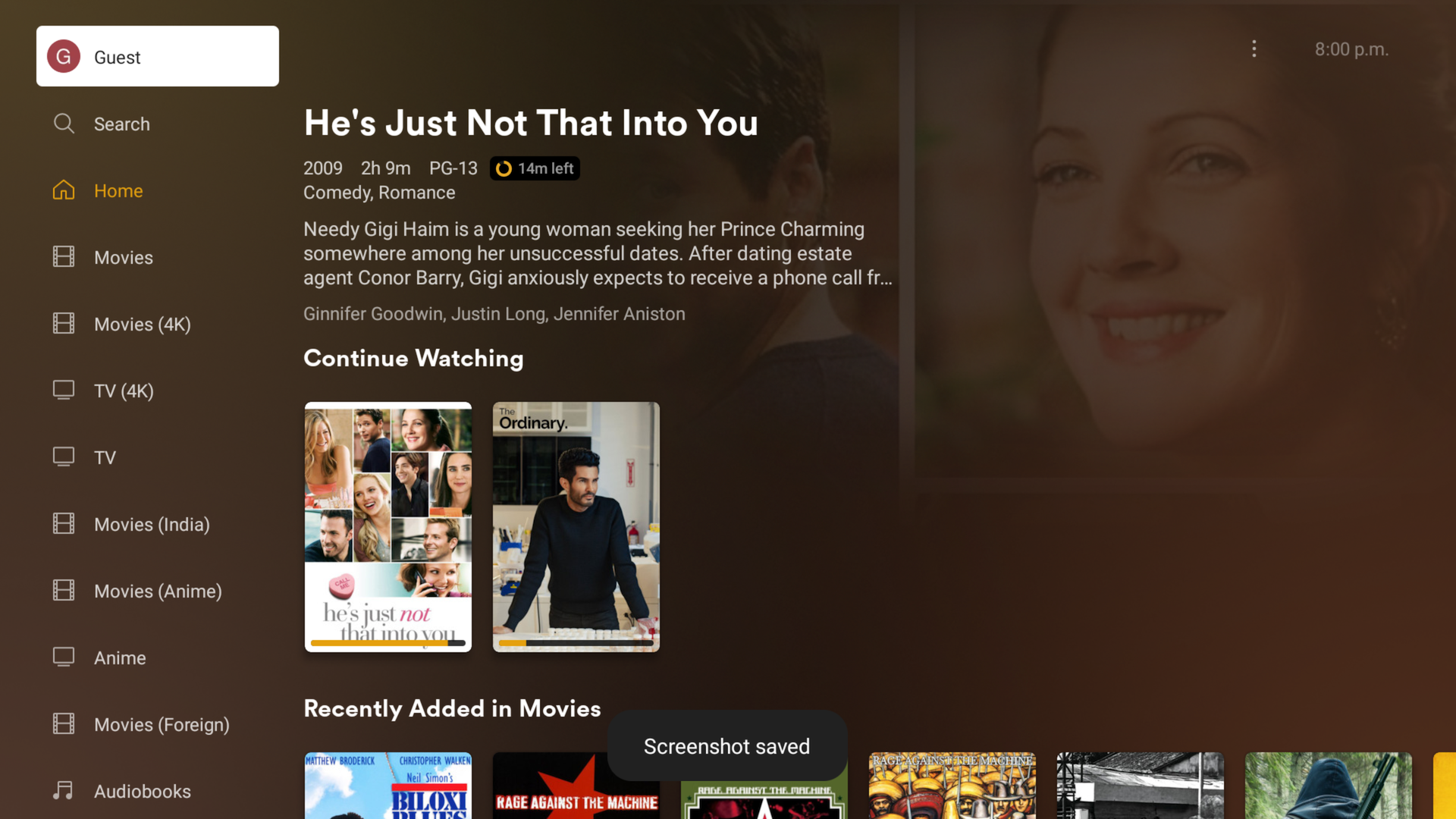
Click your username at the top of the menu
-
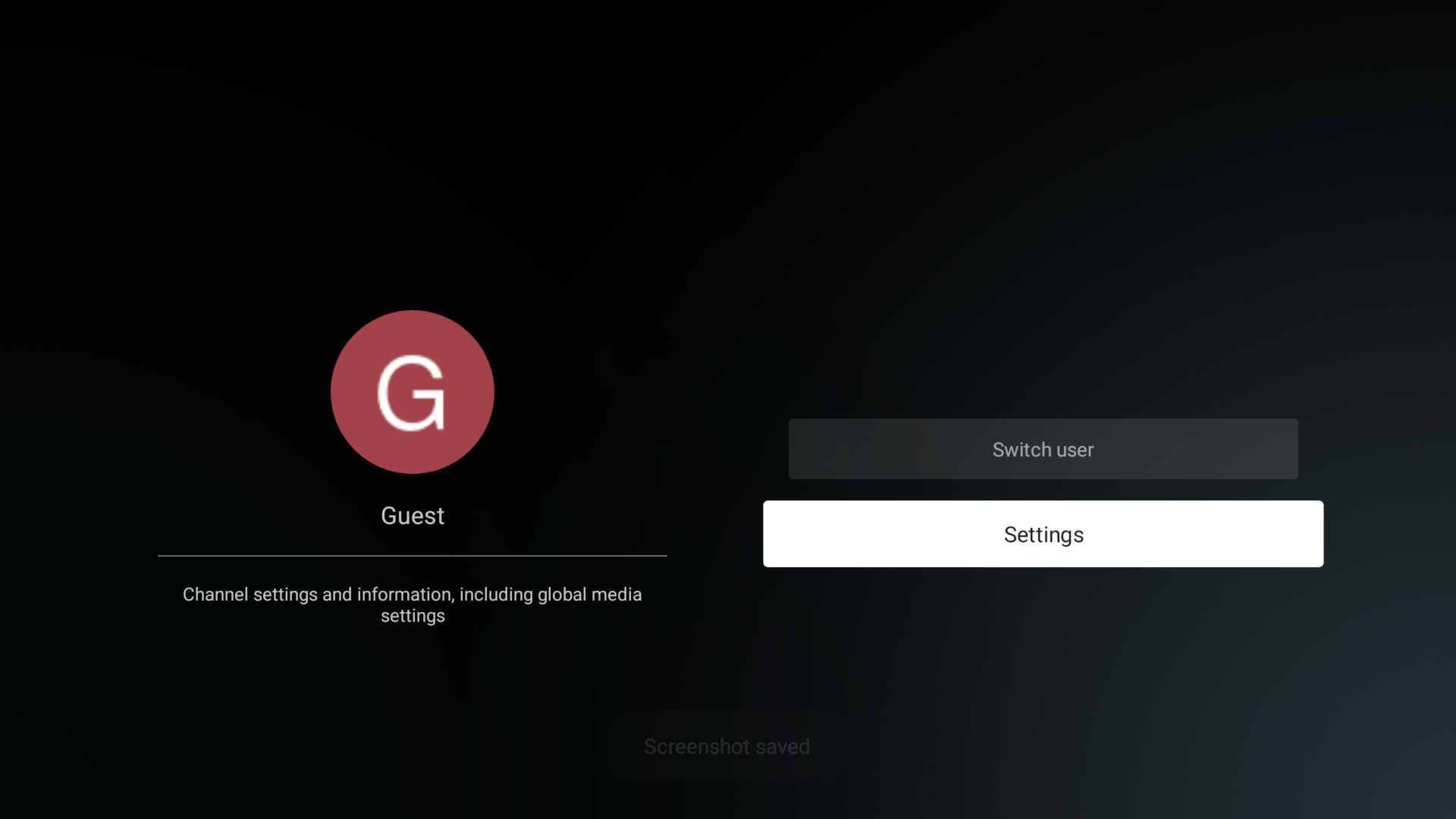
Click Settings
-
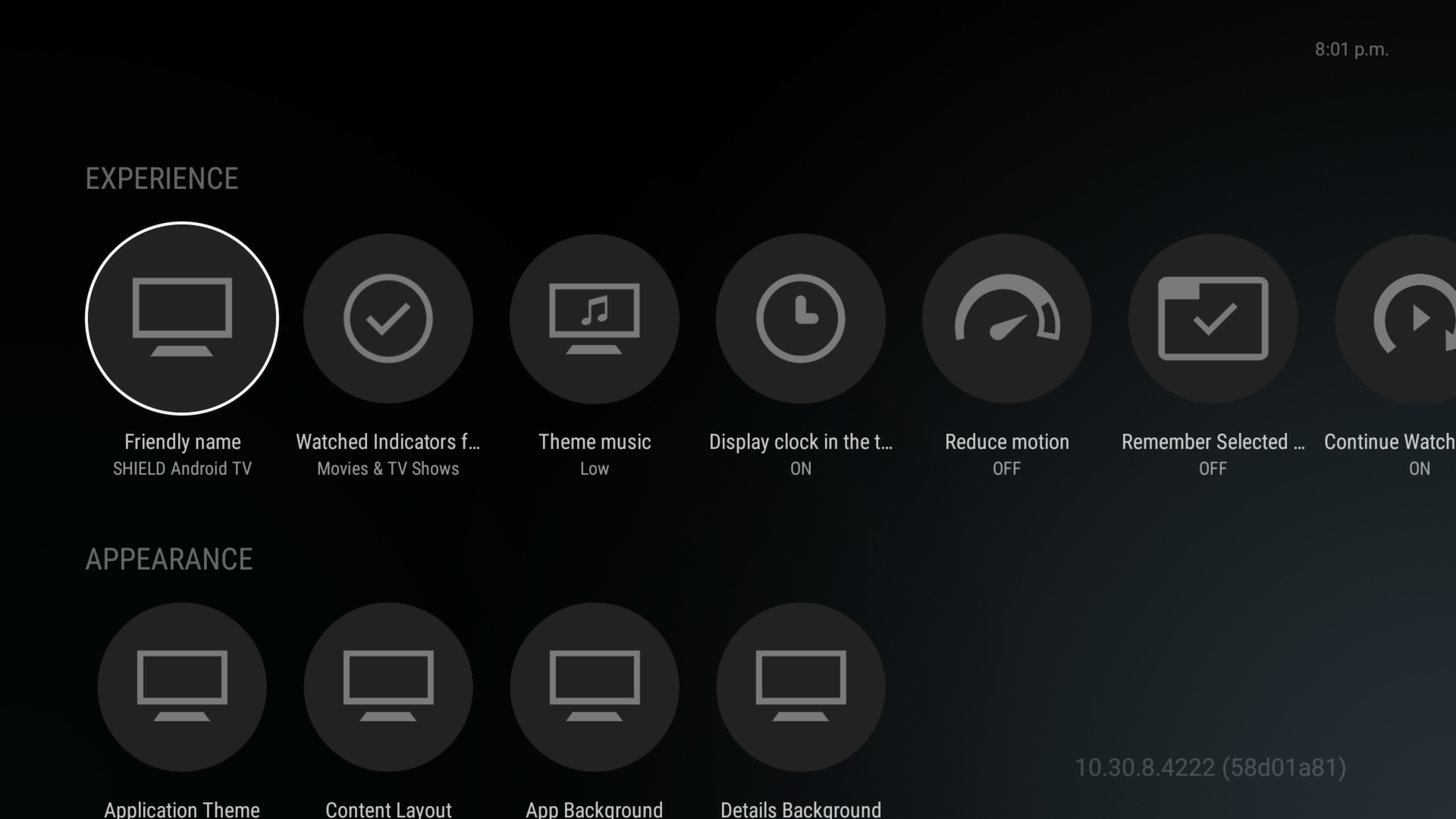
You'll be on a page that looks like this.
-
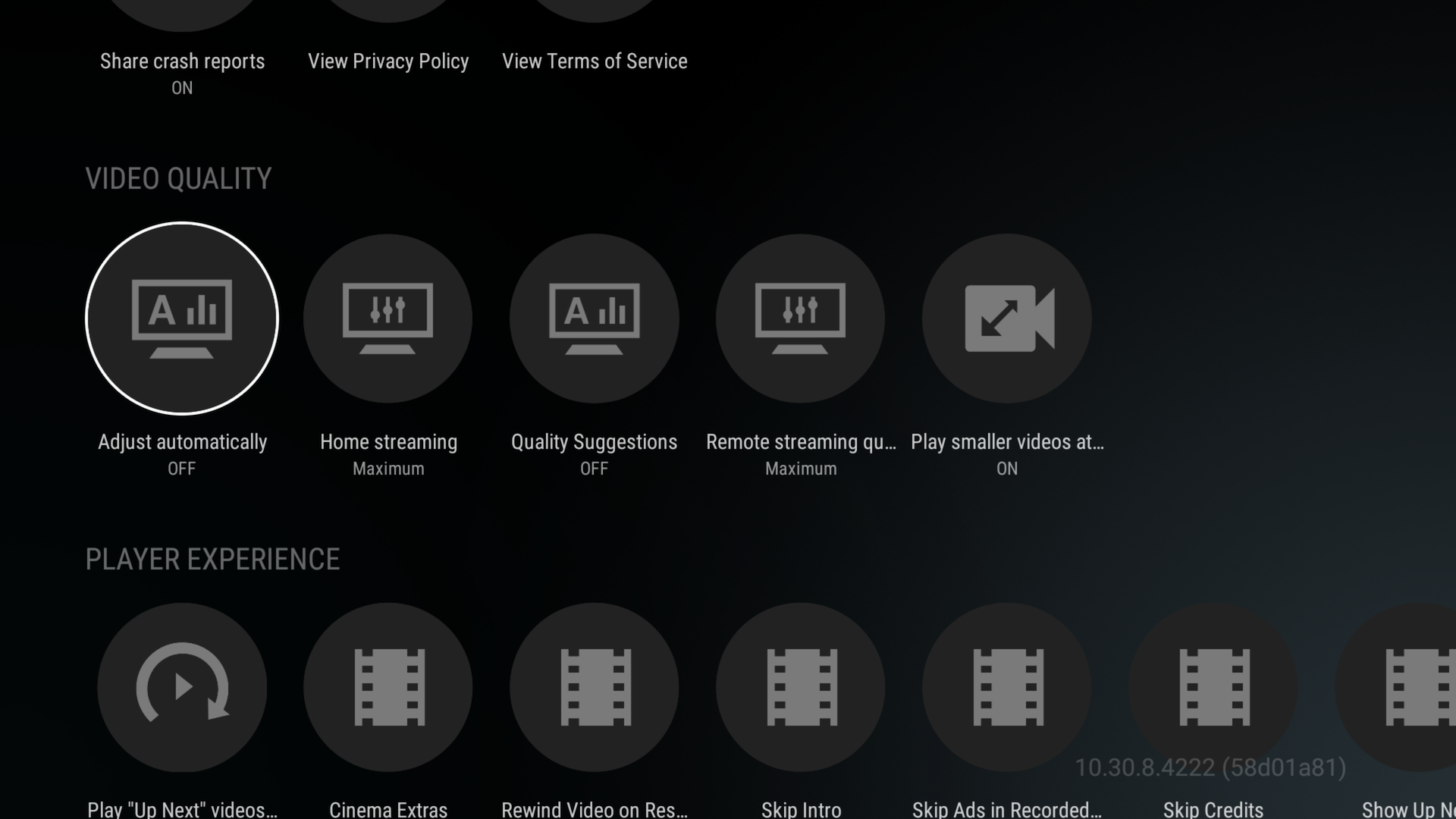
Navigate to the "Video Quality" menu
-
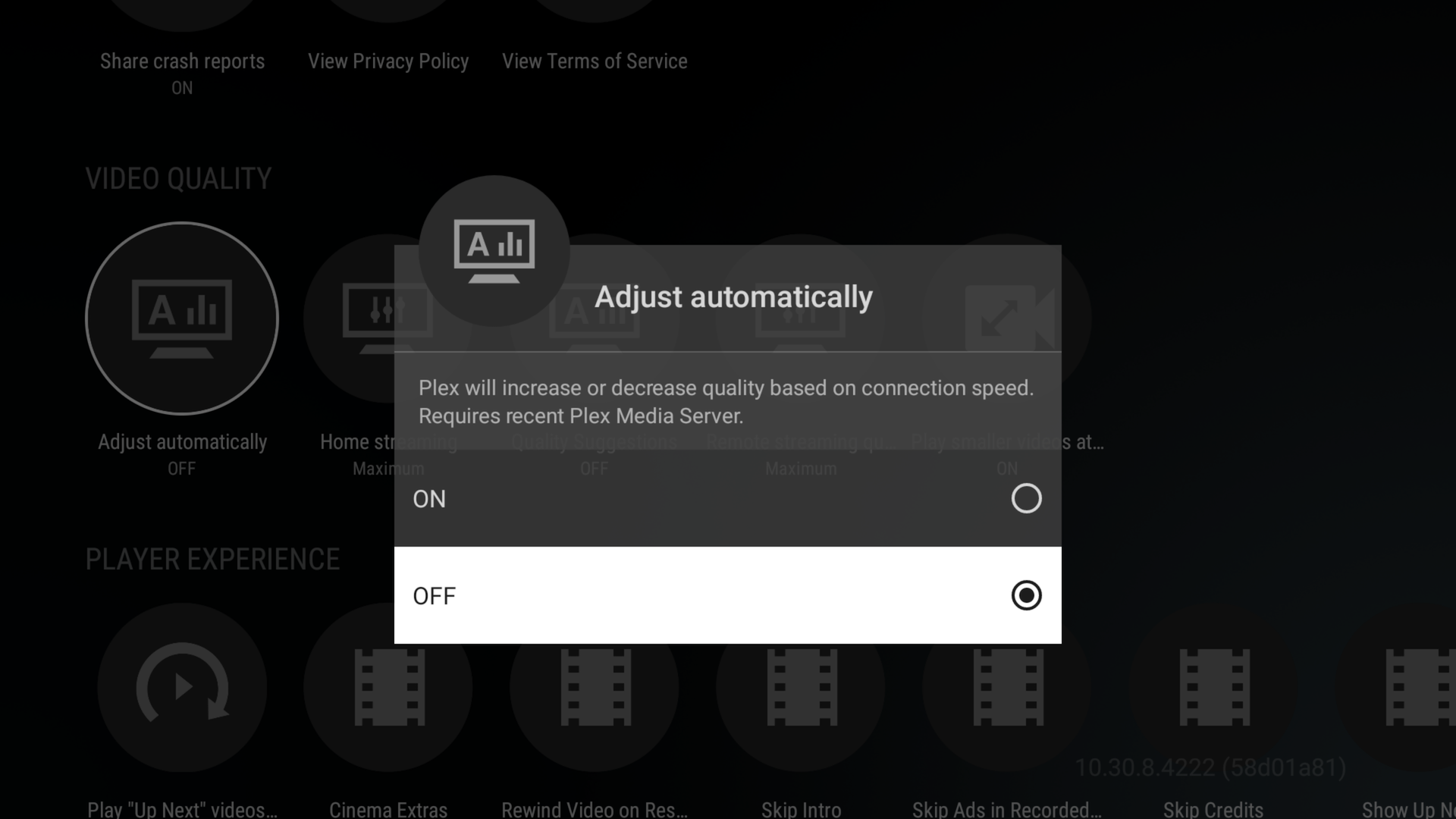
Set Automatic Adjustment: OFF
-
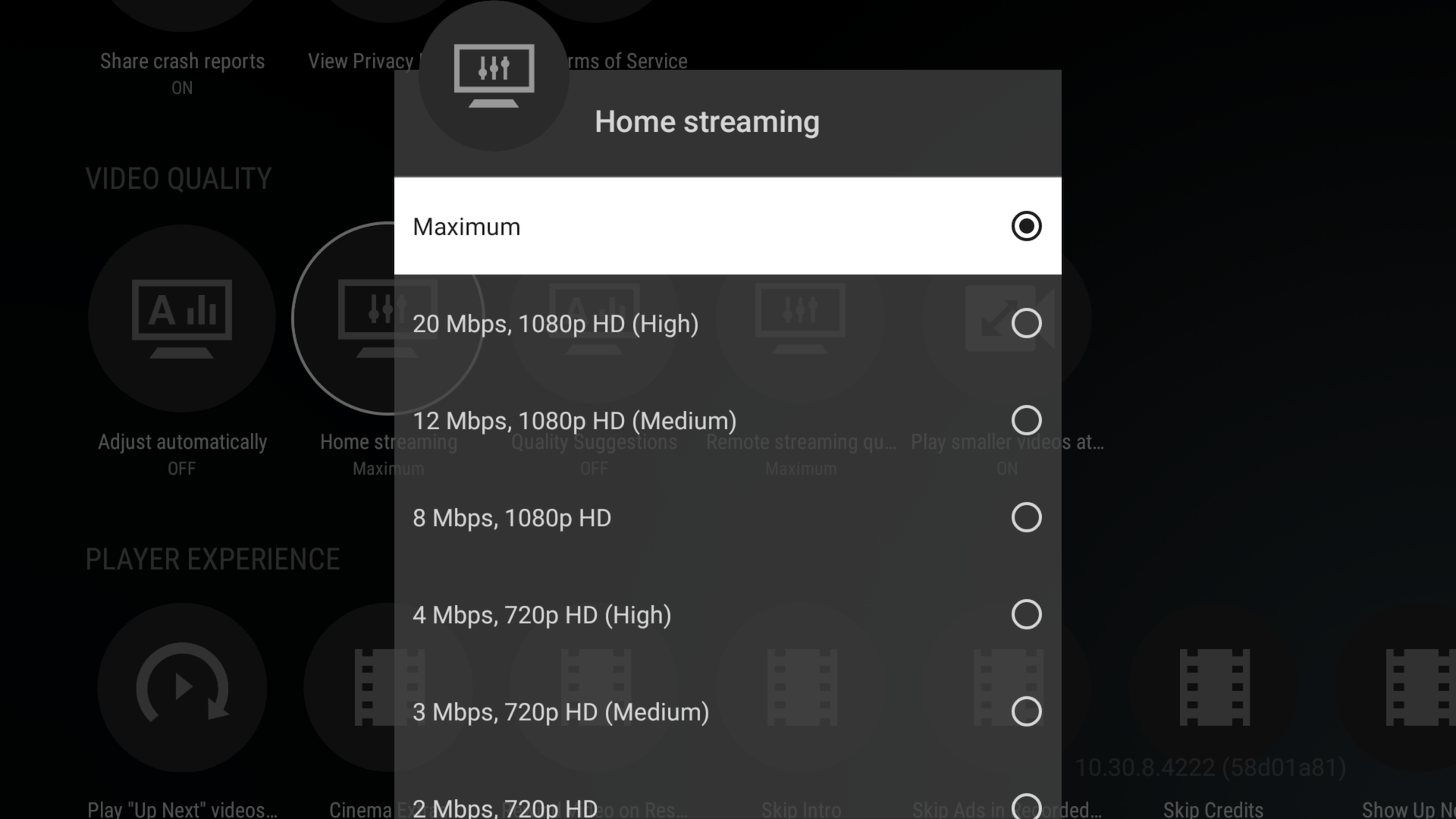
Set Home Streaming: Maximum
-
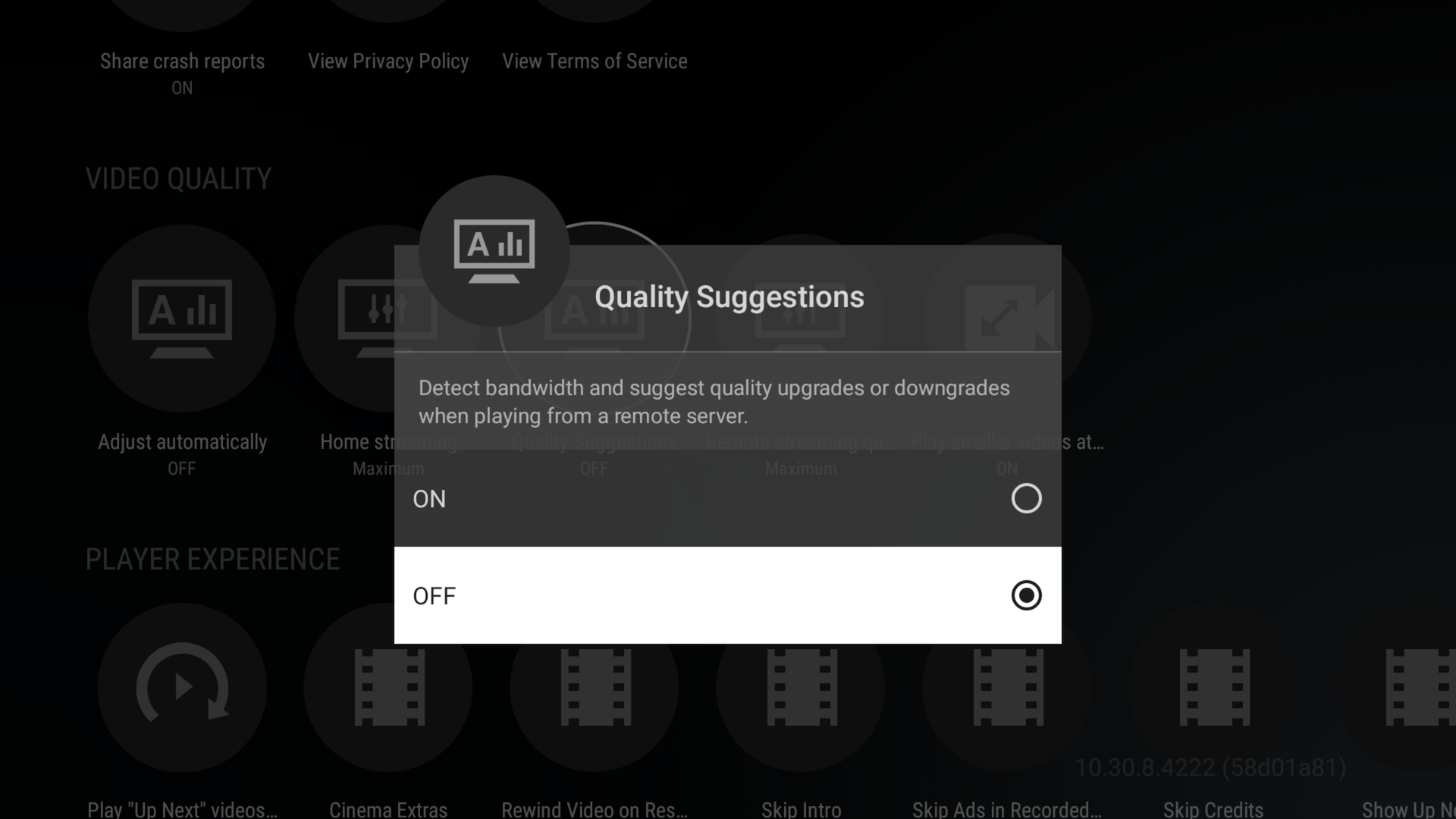
Set Quality Suggestions: OFF
-
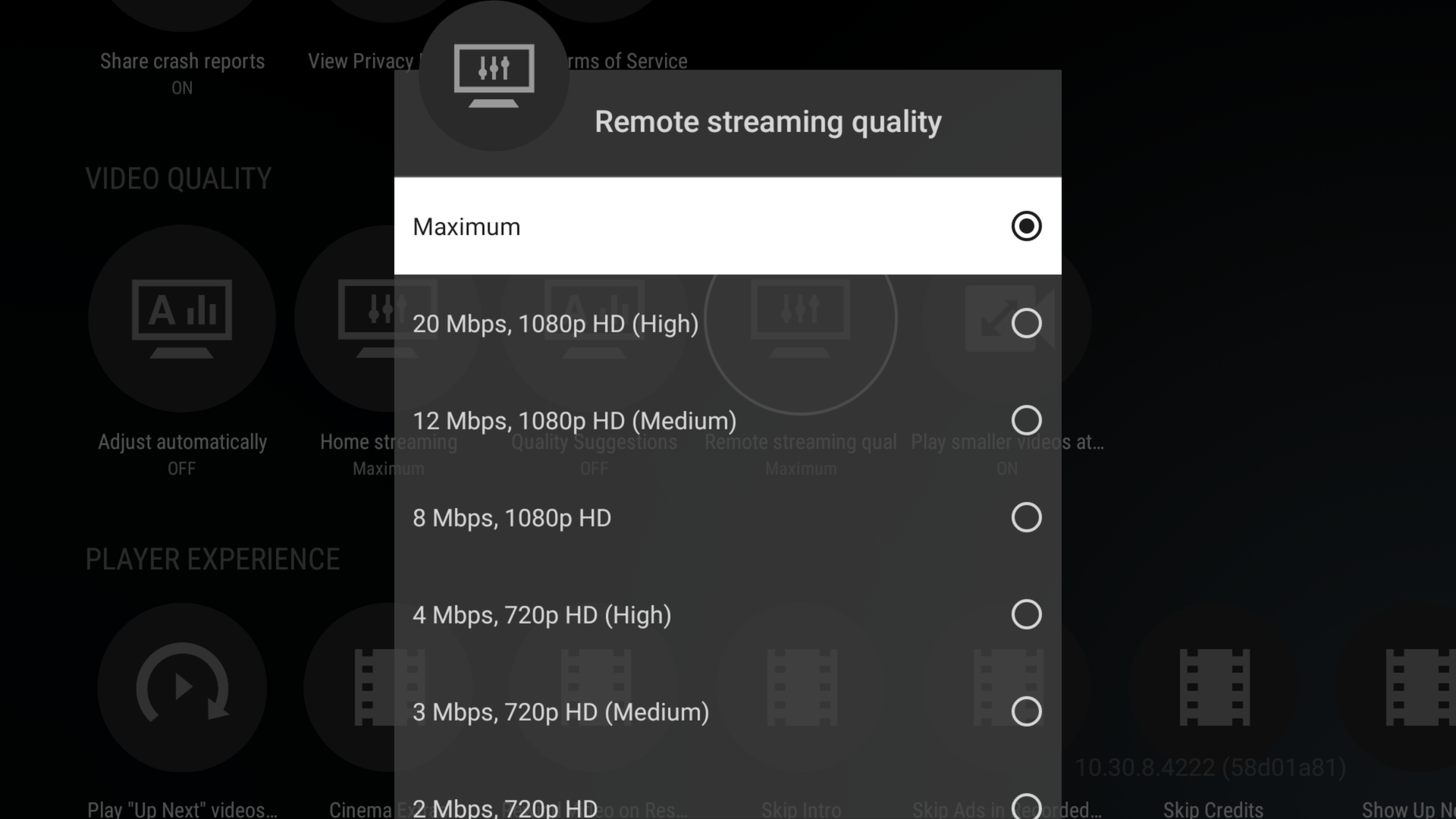
Set Remote Streaming Quality: Maximum
-
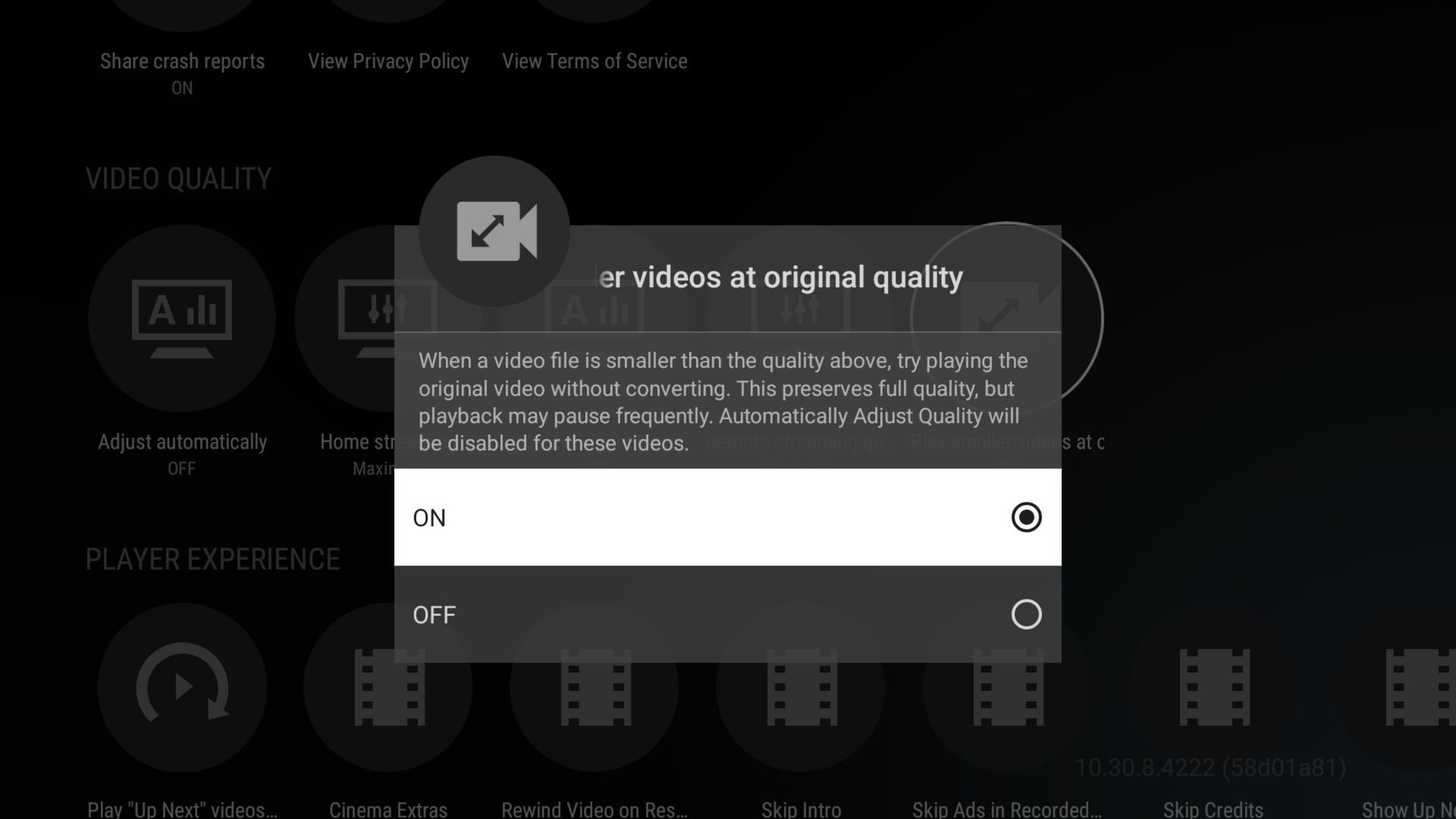
Set Play smaller videos at original quality: ON
-
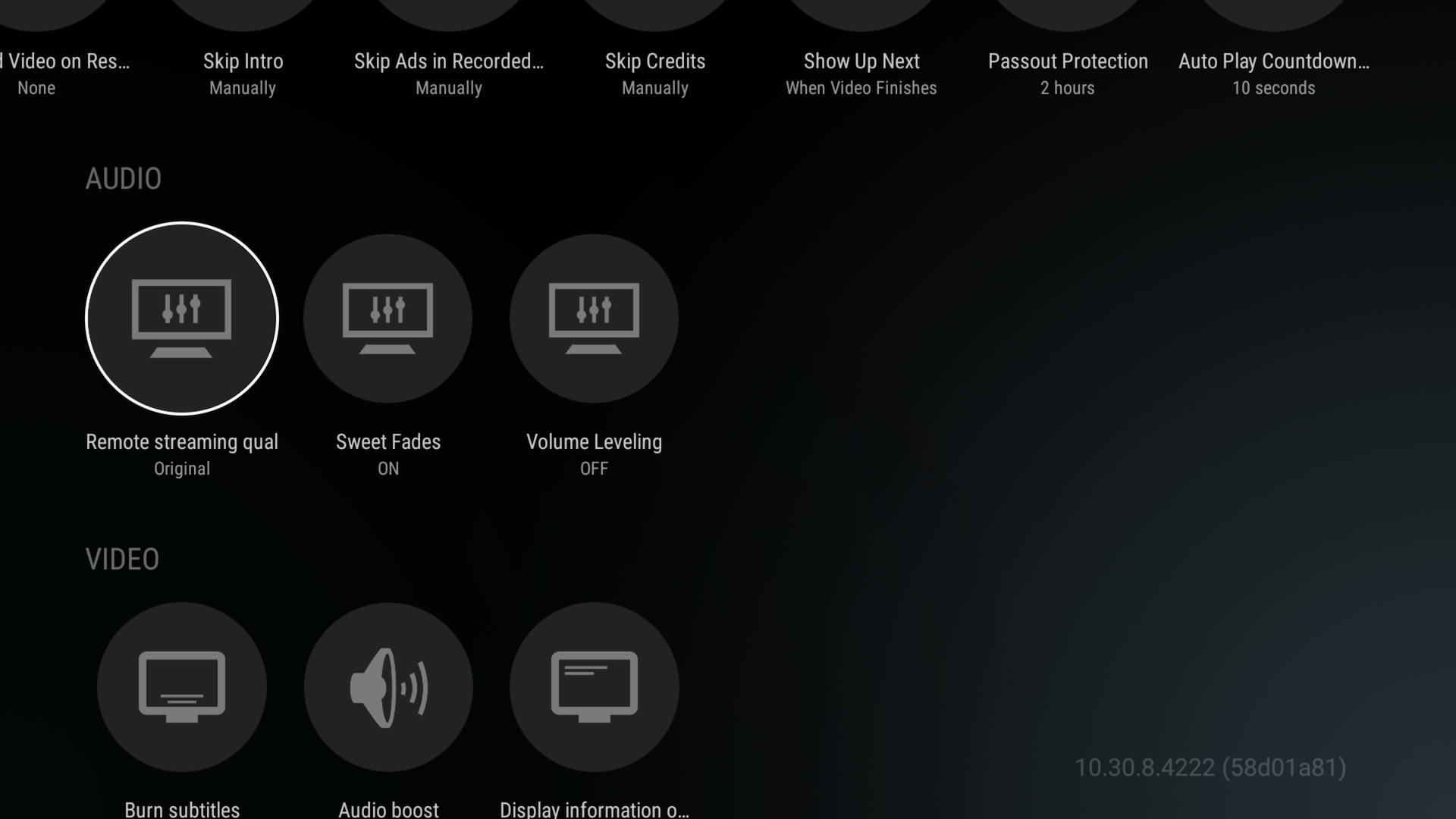
Check your audio settings
-
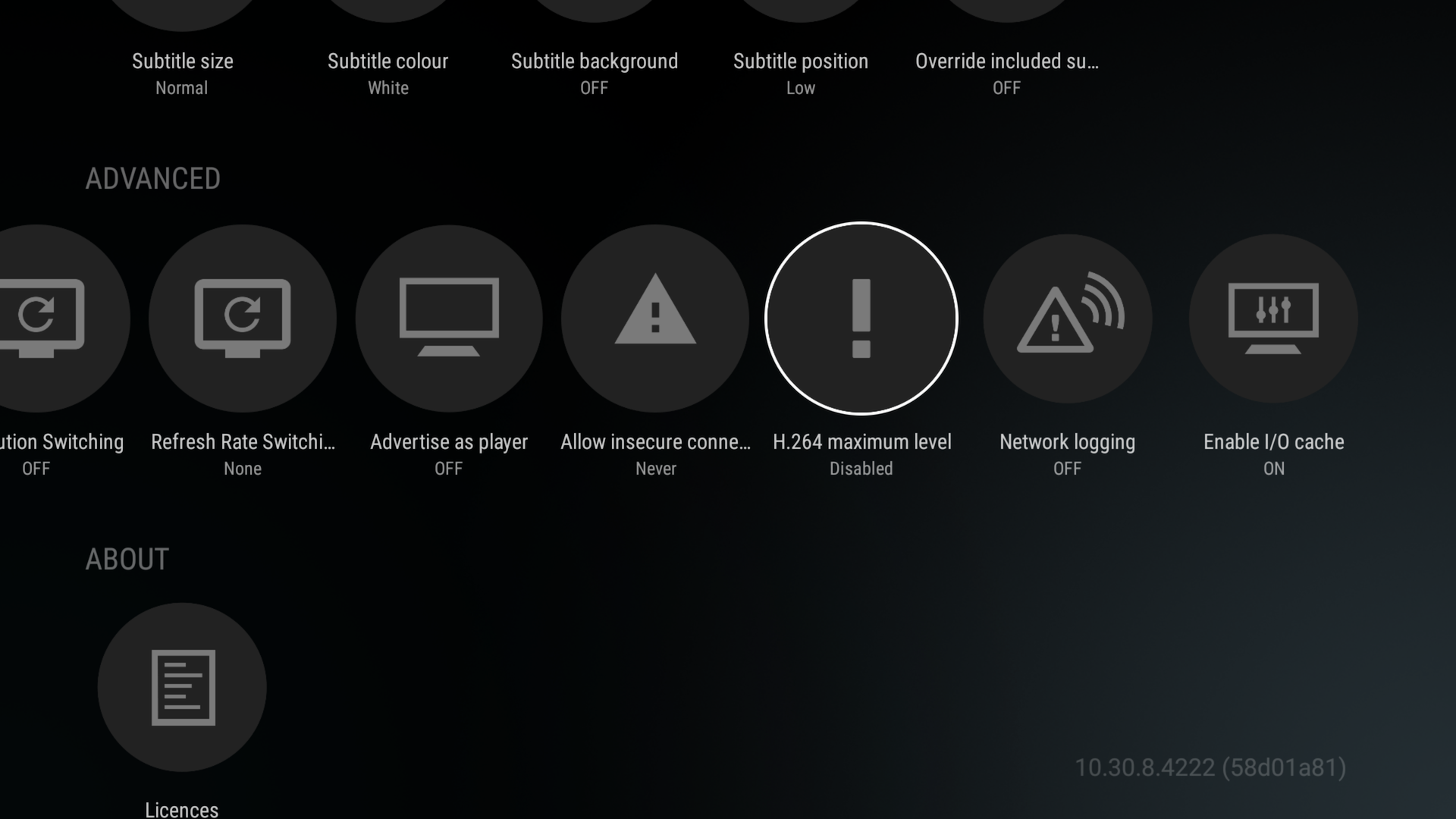
Advanced Settings
-
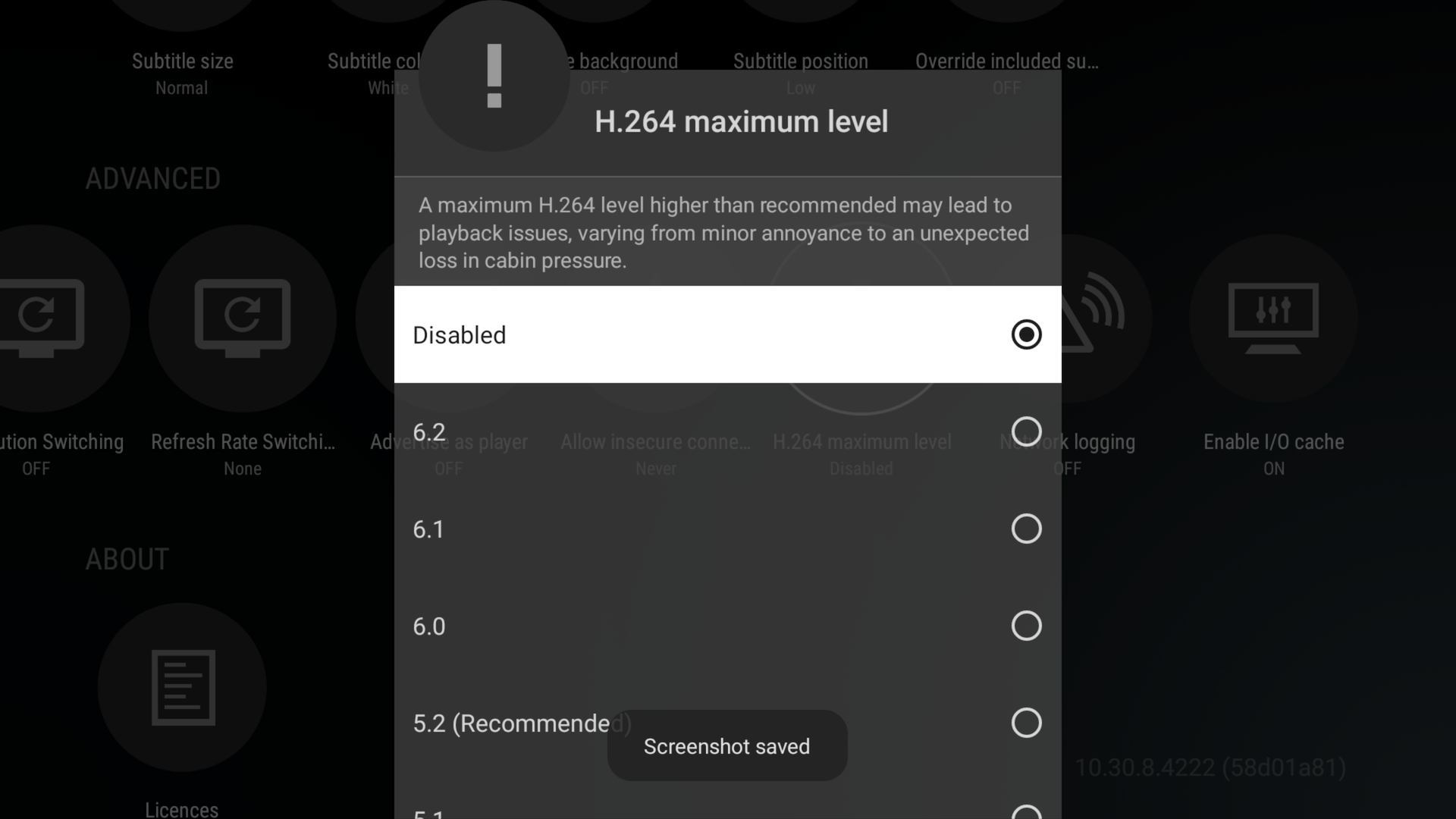
Set H.264 Max Level: Disabled